
Tuya device keeps going offline — real fixes that work
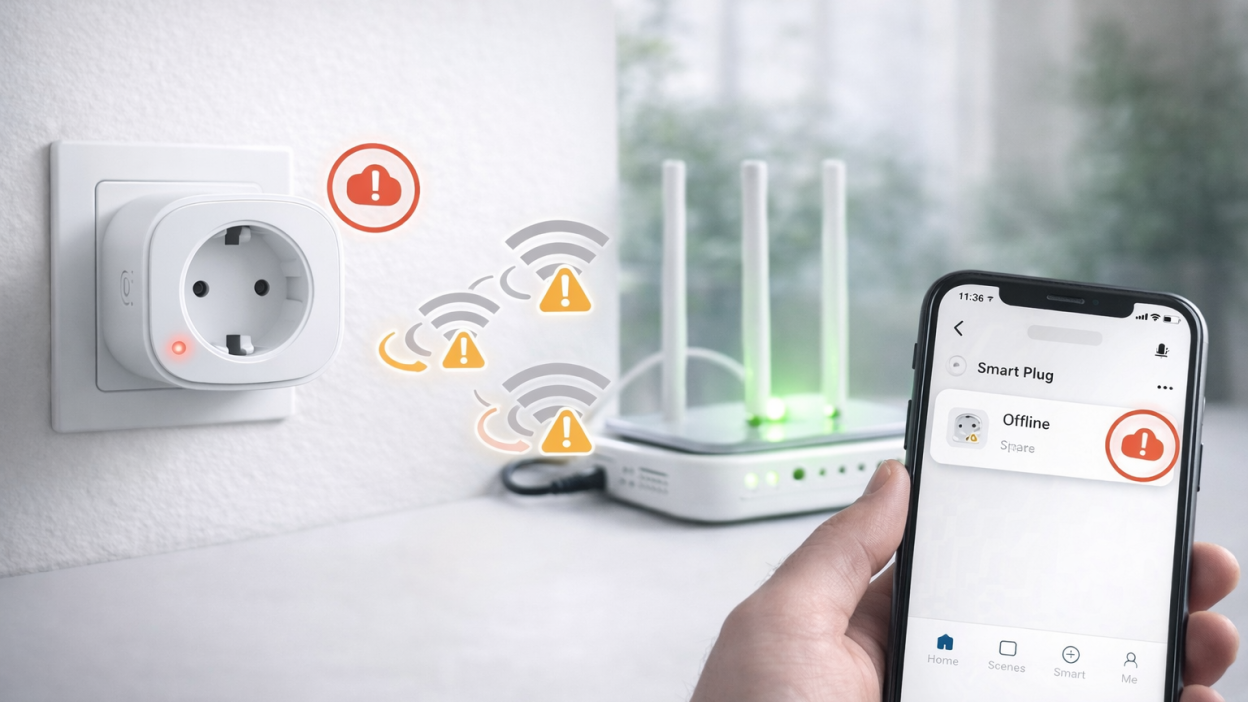
If your Tuya device connects successfully but keeps going offline again and again, this is a different type of problem than a one-time disconnect. It means something in your setup is unstable — usually your Wi-Fi network, router, or device placement.
This issue is very common in smart homes with multiple devices. The device works, reconnects, then suddenly becomes offline again without any obvious reason.
In this guide, we will break down the real causes and give you practical fixes that actually work in real-world setups.
What it means when Tuya device keeps going offline
If the device disconnects repeatedly, it means the connection is unstable, not completely broken. The device is able to connect, but something interrupts the connection regularly.
This is usually caused by:
- unstable Wi-Fi signal
- router overload
- network interference
- bad device placement
- low-quality router hardware
Main reasons for repeated disconnections
Weak or unstable Wi-Fi signal
This is the most common reason. If the device is on the edge of Wi-Fi coverage, it may connect and disconnect constantly.
Typical signs:
- device works sometimes
- device disconnects at certain times
- signal drops when doors or walls interfere
Too many devices on one router
If your router handles too many devices, it may not maintain stable connections for all of them.
IoT devices are especially sensitive to this problem.
Wi-Fi interference
In apartments and dense areas, many networks overlap. This creates interference and unstable connections.
Your Tuya device may disconnect even if the signal looks strong.
Router settings issues
Some router features can break IoT connections:
- band steering (2.4 GHz + 5 GHz combined)
- AP isolation
- guest network restrictions
- automatic channel switching
Device quality limitations
Some cheap Tuya devices simply have weaker Wi-Fi chips and disconnect more easily.
This is common with very low-cost smart plugs and bulbs.
Quick fixes you should try first
Before going into deeper troubleshooting, try these:
- Restart the device
- Restart the router
- Move the device closer to the router
- Check if other devices also disconnect
If the problem disappears after this, it confirms a network issue.
Real fixes that actually work
Fix 1. Improve Wi-Fi coverage
If your device is far from the router, the connection will never be stable.
Solutions:
- move router closer
- use Wi-Fi extender
- install mesh system
This is the most effective fix in most cases.
Fix 2. Separate 2.4 GHz and 5 GHz networks
Many Tuya devices work only with 2.4 GHz. Combined networks confuse devices and cause reconnect loops.
Create separate SSIDs for 2.4 GHz and connect devices specifically to it.
Fix 3. Upgrade your router
If your router is cheap or old, it may not handle multiple smart devices.
A better router often solves random disconnect issues immediately.
Fix 4. Change Wi-Fi channel
Interference can cause unstable connections.
Switching to a less crowded channel can significantly improve stability.
Fix 5. Avoid weak placement
Do not install devices:
- inside walls or cabinets
- behind metal surfaces
- far from router
Placement matters more than most people think.
Fix 6. Reconnect or reset device
If the device keeps disconnecting, remove it from the app and add it again.
If needed, perform a full reset.
When Wi-Fi is not enough
If you have many smart devices and still experience problems, Wi-Fi may not be the best solution.
In this case, consider switching to Zigbee devices.
Why Zigbee is more stable
- creates mesh network
- does not overload Wi-Fi
- better for large smart homes
- more stable for sensors
This is especially useful if you plan to scale your smart home.
Real scenarios
Device disconnects every few hours
This usually means unstable signal or router channel switching.
Device disconnects when many devices are active
This points to router overload.
Only one device disconnects
This usually means bad placement or weak signal in that location.
FAQ
Why does my Tuya device keep disconnecting?
Usually due to weak Wi-Fi, interference, or router overload.
Will a better router fix the problem?
In many cases, yes. Router quality has a big impact on stability.
Is this a device problem?
Rarely. Most of the time it is a network issue, not hardware failure.
Should I reset the device?
Only after checking network issues first.
Conclusion
If your Tuya device keeps going offline, the root cause is almost always network instability. The real fix is not constant resetting, but improving Wi-Fi quality, router performance, and device placement.
Once your network is stable, Tuya devices usually work reliably without random disconnects.
You may also like: Tuya device offline — how to fix it step by step, Why Tuya devices go offline, Tuya device offline after power outage, Zigbee Tuya device troubleshooting.